How to select the best server monitoring tool
Servers are the backbone of any organization, acting as the powerhouse of your business operations, providing the required resources needed for end-user applications or websites and ensures business services are delivered seamlessly. An underperforming server can negatively impact the customer experience, reduce productivity, and disrupt the workflow.
However, by utilizing a robust server monitoring tool, you can keep track of key metrics like CPU, disk, and storage, and prevent downtime, optimize performance, and enhance security. But, with so many server health monitoring tools in the market, selecting the most suitable tool is easier said than done.
You have to select a server monitoring tool that supports your modern network a combination of cloud, microservices, and traditional servers. This guide provides a structured approach to selecting a tool that aligns with your organization’s unique requirements. On this page we will discuss the following:
Understanding your organization's needs
Having clarity on your organization needs will help you select the suitable tool that fits your needs. Consider the following factors to define your needs:
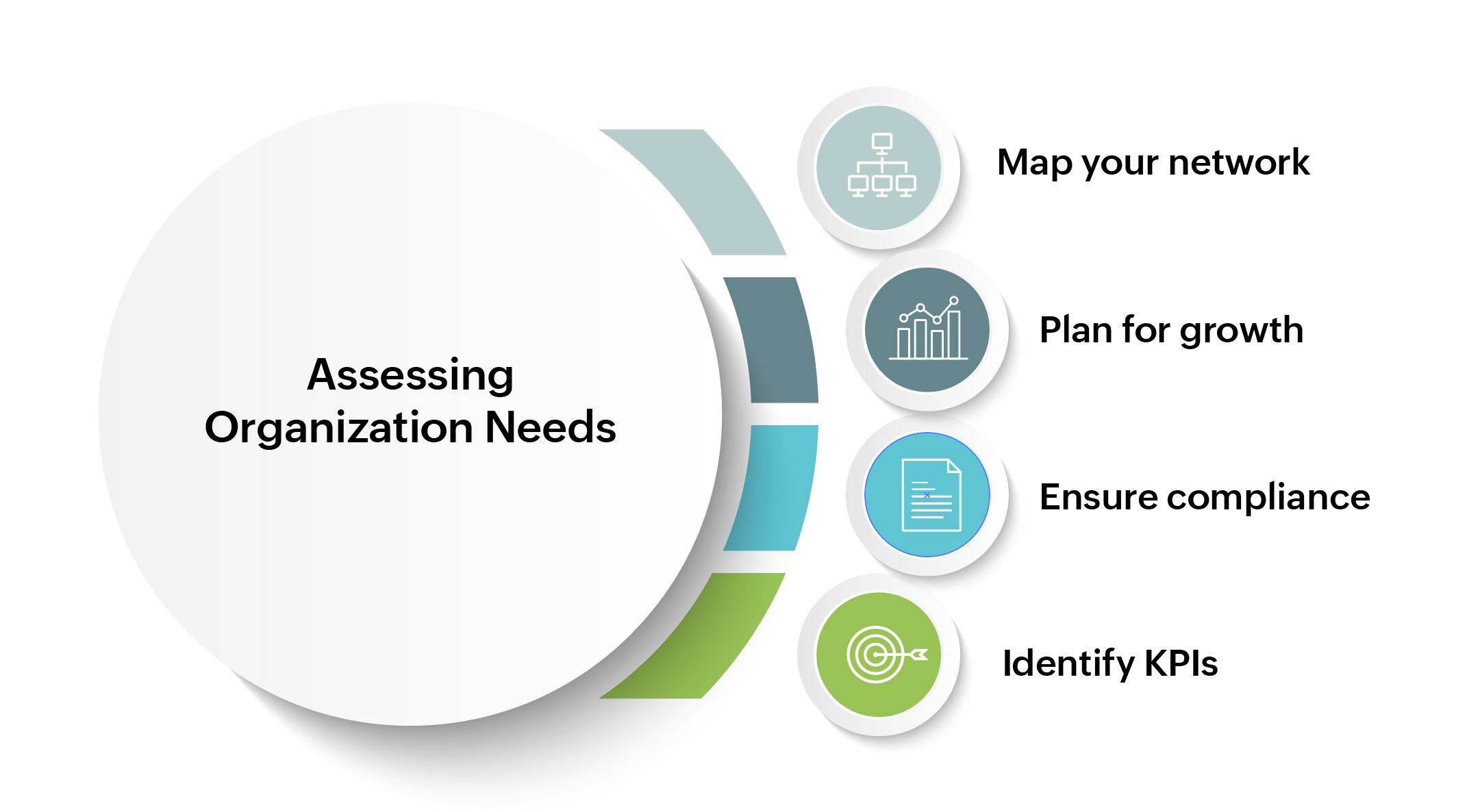
Know your network architecture: Understanding the size of your network is key. Determine whether your environment is on-premises, cloud-based, or a hybrid network. If you have a multi-vendor environment, finding a vendor-agnostic tool is crucial.
Scalability plans: Does your company aims to scale up in the coming few years? If so, you need to select a solution that will scale its resources and handle the extra load and monitor the newly added servers without compromising on performance.
Ensure compliance: Each sector has its own compliance mandates as stipulated by the regulatory bodies, particularly in highly regulated sectors like Banking, Financial Services, and Insurance (BFSI). BFSI companies are required to store their data in the on-premises or private clouds to ensure data protection and comply with the standards. Select a tool that supports compliance mandates, and offers features like audit logs, role-based privileges, and encrypted data transport to align with industry regulations such as GDPR, or HIPAA.
Identify key performance metrics: Specify the metrics that are most critical to your business (e.g., CPU utilization, memory usage, network latency, disk I/O, application response time) and select a tool that provides comprehensive monitoring of these metrics to ensure optimal system health.
How do you evaluate server monitoring tools?
Once you have set your objectives in place, you can start evaluating potential tools by considering a few factors:
Ease of use: Is the tool easy to understand and navigate? Some tools have a steep learning curve that can consume your team's valuable time. It is important to look for solutions with intuitive dashboards, clear navigation, and pre-configured templates so that you can start using the tool out of the box.
Licensing model and costs: Budget is a critical factor. Opt for tools with a transparent licensing model and a clear pricing structure without any hidden costs so you can plan your budget effectively.
Integrations: Troubleshooting time will significantly reduce if the tool has integrations with other complementary tools, such as ticketing systems (e.g., ServiceNow, Jira), collaboration platforms (e.g., Slack, Microsoft Teams). So, seamless integration is an important aspect to factor in.
RCA: Does the tool provide visibility across your entire IT stack to help you quickly detect and identify the root cause of a problem? With RCA capabilities you can save your team hours of manual investigation and prevent SLA breaches.
AI/ML capabilities: While historical data and reports are useful, a tool with AI and ML capabilities can take your monitoring to the next level. It can analyze past trends and extrapolate the data to generate forecast reports, and graphs, helping you predict future resource needs and plan well in advance.
Agent based/agent less support: A key aspect that should be considered while selecting a server monitoring tool is to ensure the tool supports both agent-based and agentless monitoring. Agent-based monitoring involves installing lightweight agents on each server to capture monitoring data. With agents, you get deeper visibility into server metrics and logs. On the other hand, agentless monitoring reduces the overhead by collecting data remotely without installing an agent on the device. Both approaches have their advantages, so the best solution is to select a tool that offers both the features.
Comprehensive monitoring: Servers host business-critical applications and PII data needed for various workloads. So, IT teams need a solution that not only tracks server performance but also helps them understand application-to-server dependencies. With this information server teams can identify whether slowdowns occur at the app level, or because of the underlying server. So, look for a server performance monitoring tool that covers a wide technology stack, and offers application code-level insights along with log management and hardware health metrics. This level of visibility ensures faster root cause analysis and keeps both servers and applications running at peak performance.
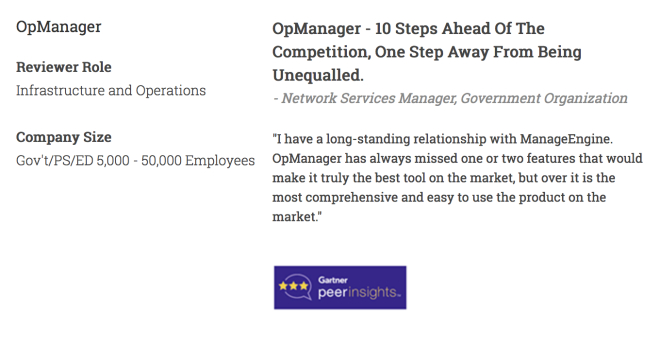
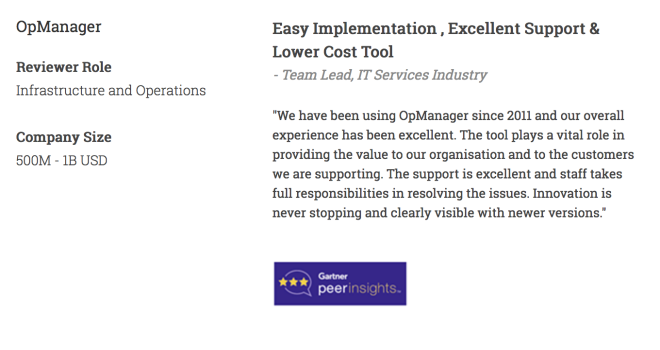
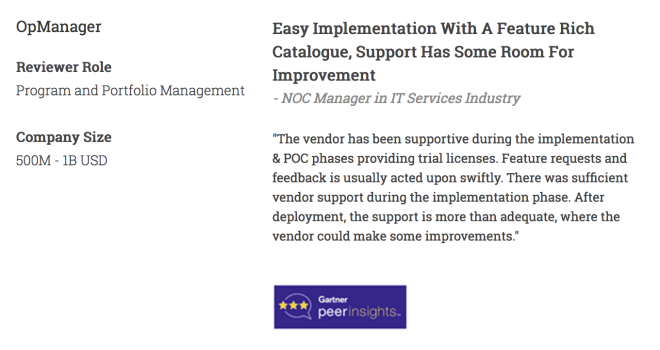
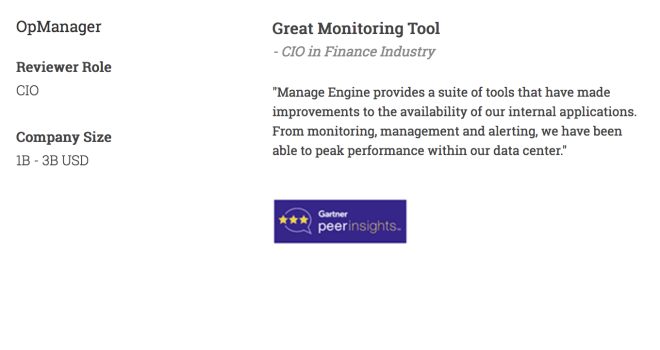
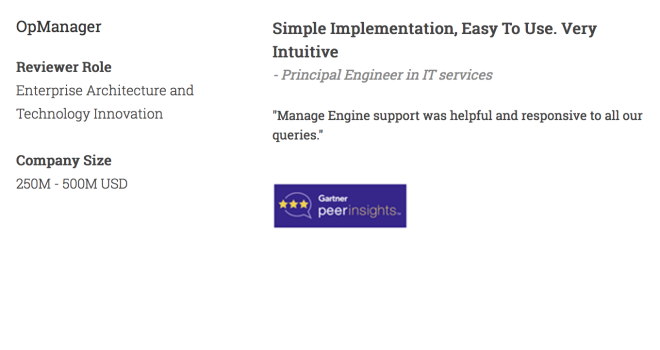
First hand experience: Before you decide, make use of the free trials or demos to see how the evaluated tool performs in your specific environment. It's also wise to check user reviews for the tool on popular sites like Gartner Peer Insights and Capterra. This will give you insights into the performance of the tool from real world customer experiences.
OpManager: A key tool that fits your needs in all aspects
OpManager is a vendor-agnostic, comprehensive server monitoring solution, developed to give you full-stack visibility, allowing you to monitor the health and performance of your physical and virtual servers, as well as monitor the applications running on them. With a clear licensing model, seamless integrations, and robust features powered by AI and ML capabilities, OpManager is an ideal investment for modern IT environments.
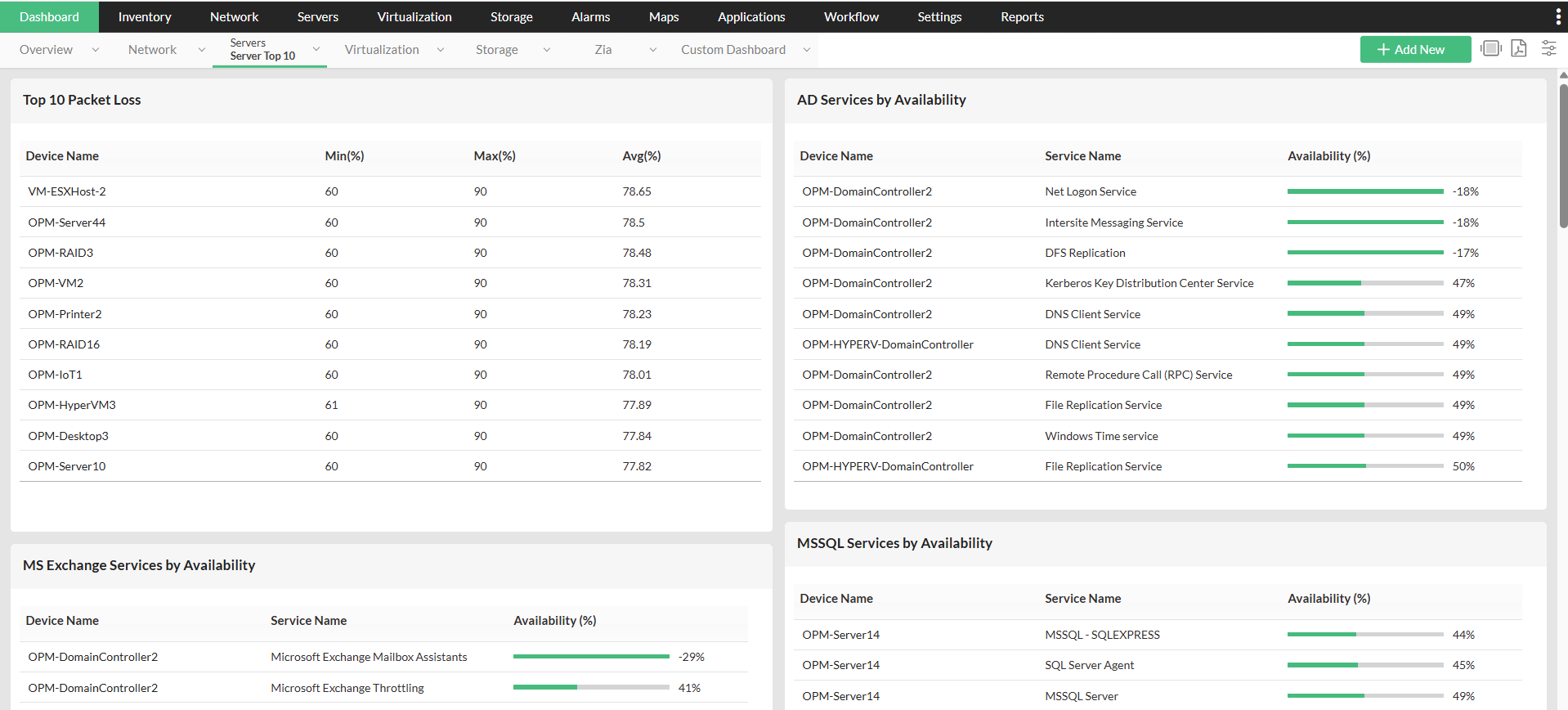
Affordability: OpManager offers a cost-effective licensing model with transparent pricing, making it an ideal fit for organizations of all sizes.
Feature rich: As a vendor-agnostic tool, OpManager supports monitoring across multi-vendor environments, including on-premises and virtual servers. It offers end-to-end visibility providing granular details on the performance of servers, applications, networks, and storage, ensuring comprehensive visibility into your IT infrastructure.
AI and ML based troubleshooting: OpManager leverages AI and ML to deliver predictive analytics. It helps you forecast the usage trends with intuitive graphs, dashboard and reports. With adaptive thresholds, its intelligent alerting feature, OpManager reduces false positives. The dependency mapping and real-time dashboards that come bundled with the tool help identify and resolve issues swiftly, minimizing downtime.
Scalability: Designed to scale with your organization, OpManager handles growing network complexity with ease. Whether you’re managing a small network or a large, distributed infrastructure, the tool adapts to increased loads and additional resources seamlessly.
Recognitions: OpManager has earned accolades for its feature set, technical support experience and user-friendly design, including recognition from industry platforms like Gartner, Capterra, TrustRadius and G2. These recognitions indicate that OpManager is a trusted choice for IT teams across the globe.
OpManager has been a game changer, preventing unplanned outages saving an estimated INR 1.15 crores (USD 120,000) annually from penalties.
Explore the case study to learn in detail about how OpManager changed the game for this BFSI customer. To learn about how OpManager can help manage your network better, take a free personalized demo or download a free, 30-day trial today.
FAQs on server monitoring tools
Why do I need a dedicated server monitoring tool when the OEM vendor provides native monitoring?
+What kind of alerts should I expect from a good monitoring tool?
+Make your server uptime monitoring simple and efficient with OpManager
Download OpManager nowCustomer reviews
More than 1,000,000 IT admins trust ManageEngine ITOM solutions to monitor their IT infrastructure securely
Case Studies - OpManager
Awards & Honors
- Recognized as a May 2019 Gartner Peer Insights Customers' Choice for Network Performance Monitoring and Diagnostics Software
- Recognised as an April 2019 Gartner Peer Insights Customers' Choice for IT Infrastructure Monitoring Tools.
- Network Management and Monitor Vendor of the Year 2018, 2019
- Entered the 2019 Gartner NPMD Magic Quadrant.
- Ranked #2 in the Infotech Research Software Reviews Data Quadrant 2018.