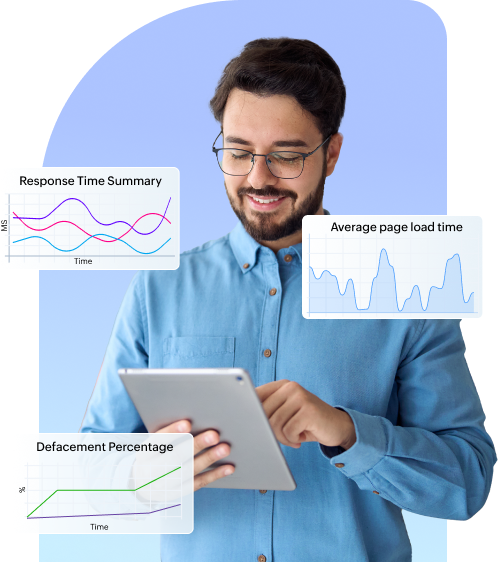
EUEM modules integrated in Applications Manager
Applications Manager features a comprehensive suite of end user experience monitoring tools designed to enhance the performance of your web applications and elevate your brand's overall perception.
Unify user experience monitoring with Applications Manager
Applications Manager's end user experience monitoring tool bridges the gap between application performance and user experience. By providing valuable insights and enabling proactive issue management, you can ensure a smooth and efficient user journey for your application users. Key functionalities of our EUEM toolkit include:
Real-time monitoring of performance metrics
User journey tracking and replay
Device, browser and application analytics
Geographical performance analysis
Website defacement monitoring
Error detection and reporting
Anomaly detection
Data visualization
Predictive analytics
Cross-platform monitoring
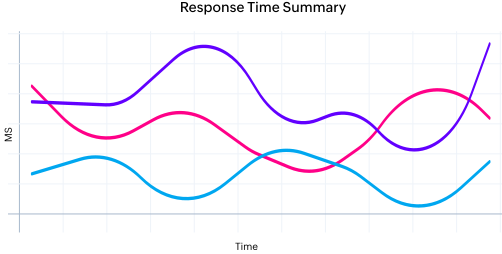
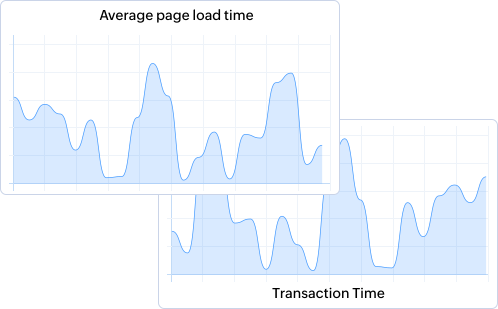
Applications Manager's end user experience monitoring tools provide real-time insights into user interactions and application performance to facilitate proactive resolution of issues. Measuring various performance indicators, including page load times, server response times, and transaction speeds, is crucial for identifying areas for optimization. Our Webpage Analyzer and robust HTTP(s) URL monitoring services acts as your surveillance operative. This empowers you to detect and fix issues quickly. It also aids in benchmarking and setting performance goals for your applications.
Tracking and measuring user activity is a significant part of EUEM monitoring. Applications Manager's suite of end user experience monitoring tools is equipped with user journey monitoring facilities such as Real User Monitor (RUM), APM Insight, and synthetic monitoring / Real Browser Monitor (RBM) to monitor both organic and synthetic user journeys. These help you follow the entire user journey from the initial interaction to the completion of specific actions (e.g., form submissions, purchases). By leveraging these EUEM capabilities together, teams gain deeper visibility into user behavior and preferences while also uncovering and resolving friction points throughout the user journey.
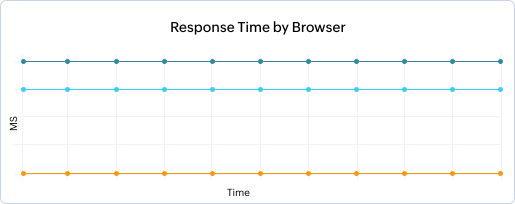
Applications Manager's End User Monitoring aids in analyzing the performance of applications across different devices and browsers. The Real User Monitor (RUM) add-on in Applications Manager takes a dynamic approach to end user experience monitoring, allowing you to take a glimpse into the device, browser, ISP, global and user session data. It is engineered to help you gain insights that can prioritize optimization efforts for specific devices or browsers. It helps ensure a consistent user experience across diverse platforms.
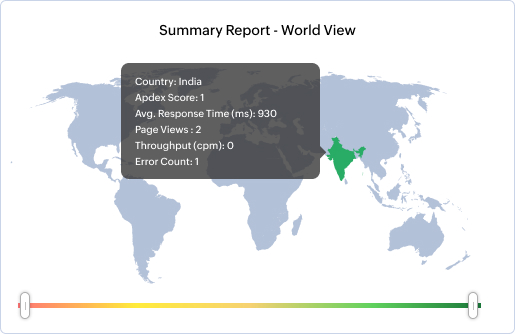
Examine performance variations based on users' geographic locations with our End User Monitoring (EUM) agents. By installing the EUM agents in remote locations i.e., where your local servers are enabled, Applications Manager allows you to acquire access into remote locations from a centralized server in order to gauge the operation and performance of your applications in various locations. By leveraging this feature, IT admins, webmasters, website owners, Site Reliability Engineers (SREs) can identify and address performance issues that are isolated to specific regions.
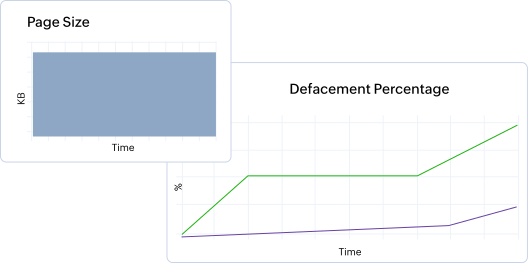
Webpage/application defacement monitoring is an integral part of a comprehensive end user experience monitoring(EUEM) strategy. It helps detect any unauthorized changes, whether small or significant, by monitoring the content/code of your webpages. By implementing Applications Manager's webpage content monitoring and brand reputation monitoring in your EUEM strategy, you can count on minimizing potential damage to your brand reputation and ensure the ongoing integrity of your online assets.
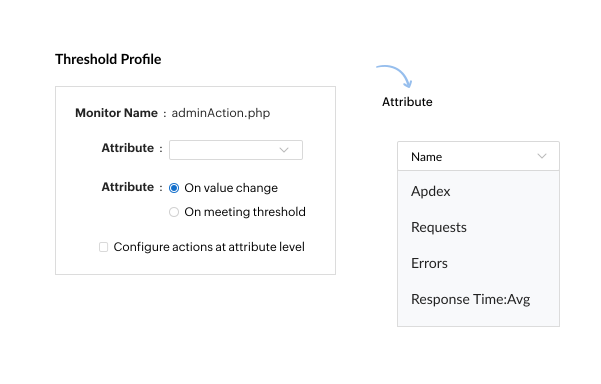
Monitor key areas and metrics that influence the application's performance with predefined thresholds. These thresholds act as margins for end user experience monitoring metrics, ensuring teams are alerted of any violation as soon as a metric transitions beyond its limit. Applications Manager's fault management system sends notifications in real-time when issues are detected. It enables proactive issue resolution and keeps stakeholders informed of critical events. A significant reduction in the time to identify and respond to issues can also be observed.
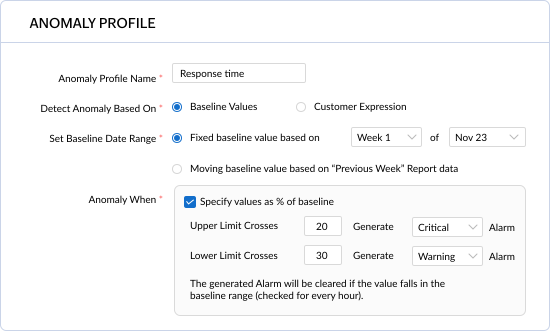
Anomaly profiles in Applications Manager identify deviations from expected patterns or behaviors. When the performance of an application strays from presumed behavior, identified with user-defined anomaly thresholds, alerts are sent to involved teams, enabling prompt action before end users are affected. These deviations, though not direct issues, can diagnose unusual behavior that may indicate potential performance problems.
Our end user experience monitoring dashboard presents both real-time and historical monitoring data through visualizations such as charts, graphs, and heat maps. The application analytics offered by Applications Manager generates detailed reports on various aspects of end user experience, facilitating trend analysis and peer performance comparisons. It supports data-driven decision-making with enhanced data interpretation and analysis.
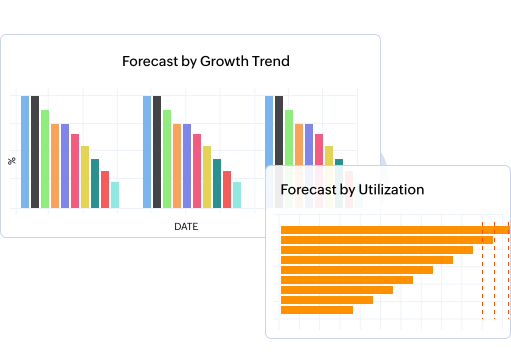
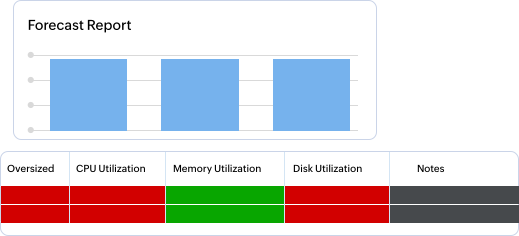
Applications Manager features capacity planning and forecast reports that utilizes artificial intelligence and machine learning to predict potential performance issues. With these reports, you can proactively address issues before they impact users.
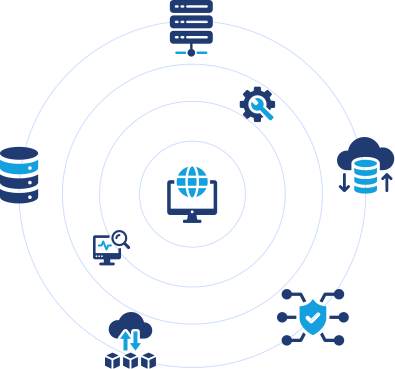
Applications Manager supports more than 150 technologies spanning databases, cloud, servers, web elements, containers, and other infrastructure elements. This enables you to get a holistic view of the end user experience of your critical applications and underlying infrastructure elements within a single console. It also supports organizations with multi-channel digital presence, providing consistent monitoring across various platforms, including web, mobile, and other devices.
Download your 30-day free trial today!
Applications Manager's end user experience monitoring tool is easy to install and can be set up in minutes! Get started with your EUEM journey with our full-featured free trial now.
More on end user experience monitoring
What is end user experience monitoring?
EUEM involves measuring and analyzing the experience of real users interacting with applications, websites, and services. By capturing data on performance, availability, usability, and even user sentiment, EUEM provides valuable insights into what users experience and helps organizations optimize their offerings for maximum user satisfaction and engagement. Through approaches like Real User Monitoring (RUM), synthetic monitoring, and website monitoring, organizations can gain a comprehensive understanding of user experience and make data-driven decisions to continuously improve it.
Why is end user experience monitoring important?
How does end user experience monitoring work?
What are the key aspects of end user experience monitoring?
What are the benefits of end user experience monitoring?
How to monitor end user experience?
Related Resources